NOISEBOLT Community Download

Hit a key. Your soundboard plays in Discord.

NoiseBolt is a free soundboard for Windows. It plays your sounds and your cleaned-up mic into Discord, TeamSpeak and your games from global hotkeys, and levels every clip to the same loudness.

Download free for Windows Windows 10 and 11, 64-bit. No account needed. Press and hold to charge the bolt, then let go to discharge it with a bass hit.

Try it here · tap a pad or press 1 to 8

Your browser makes these sounds on the spot. In NoiseBolt, the same press plays your own clips into voice chat.

NOISEBOLT
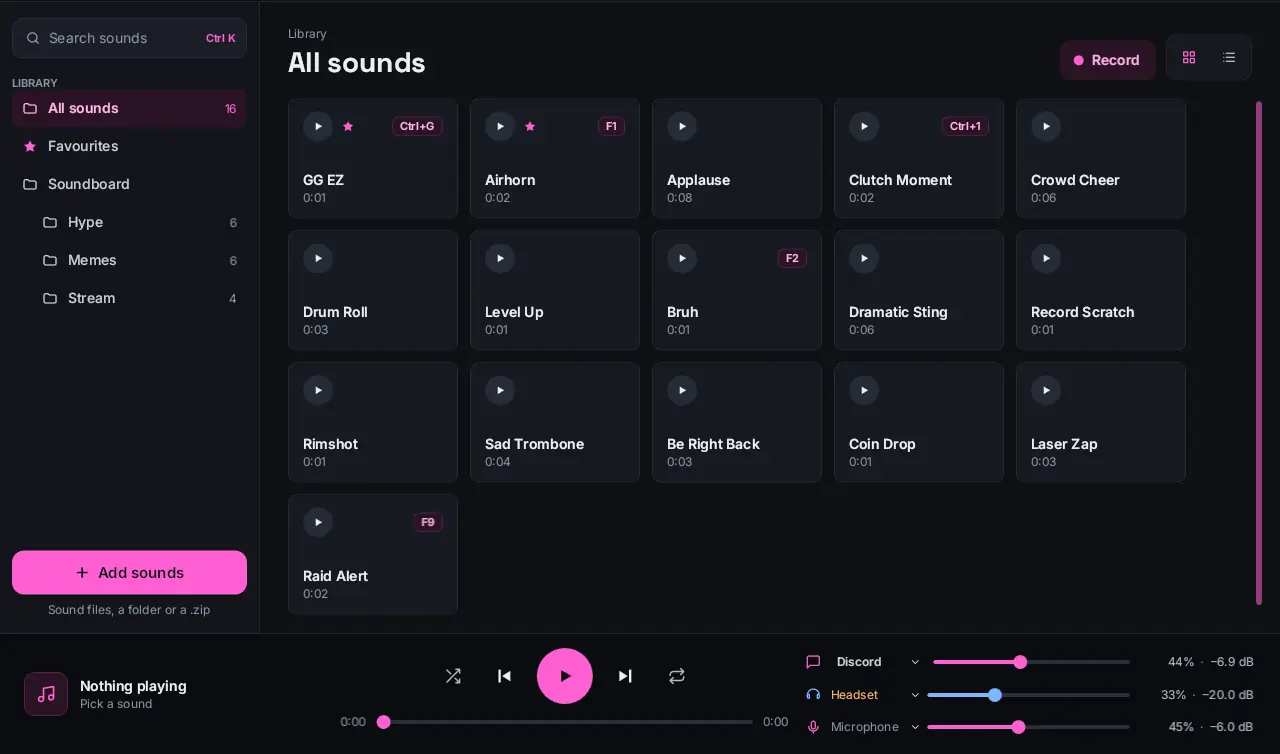
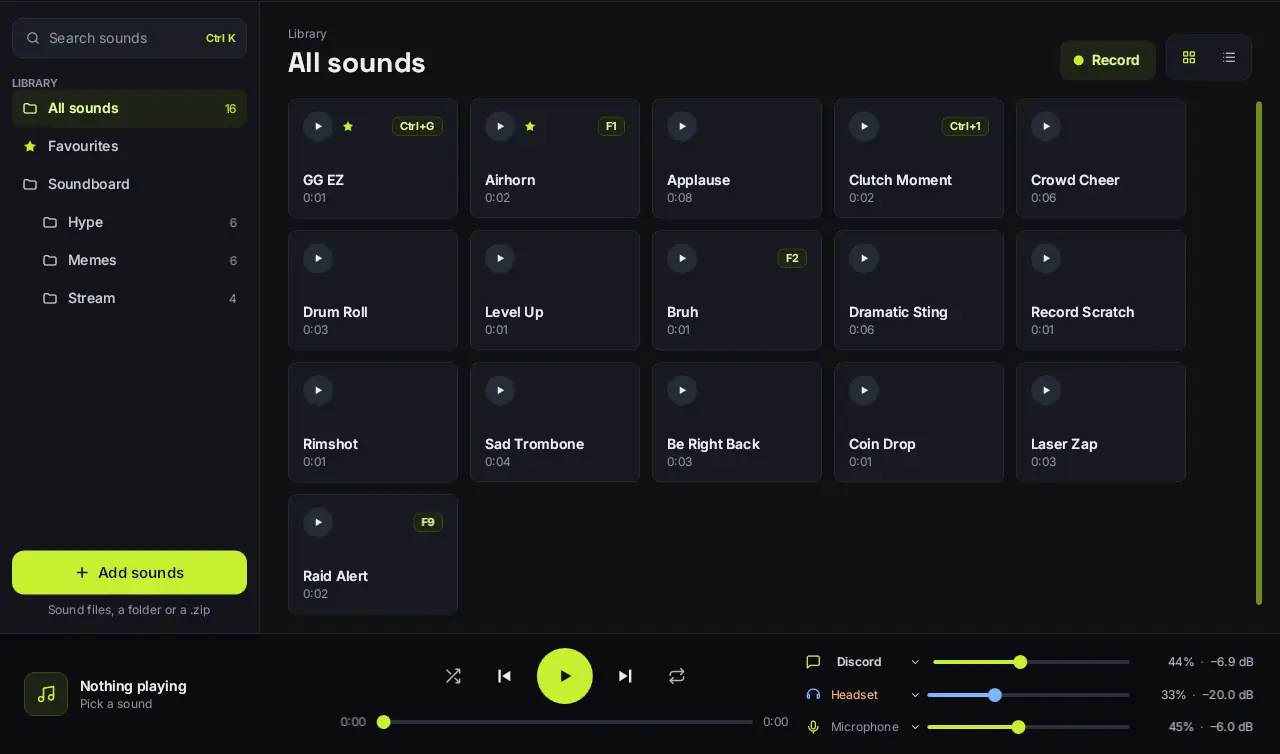
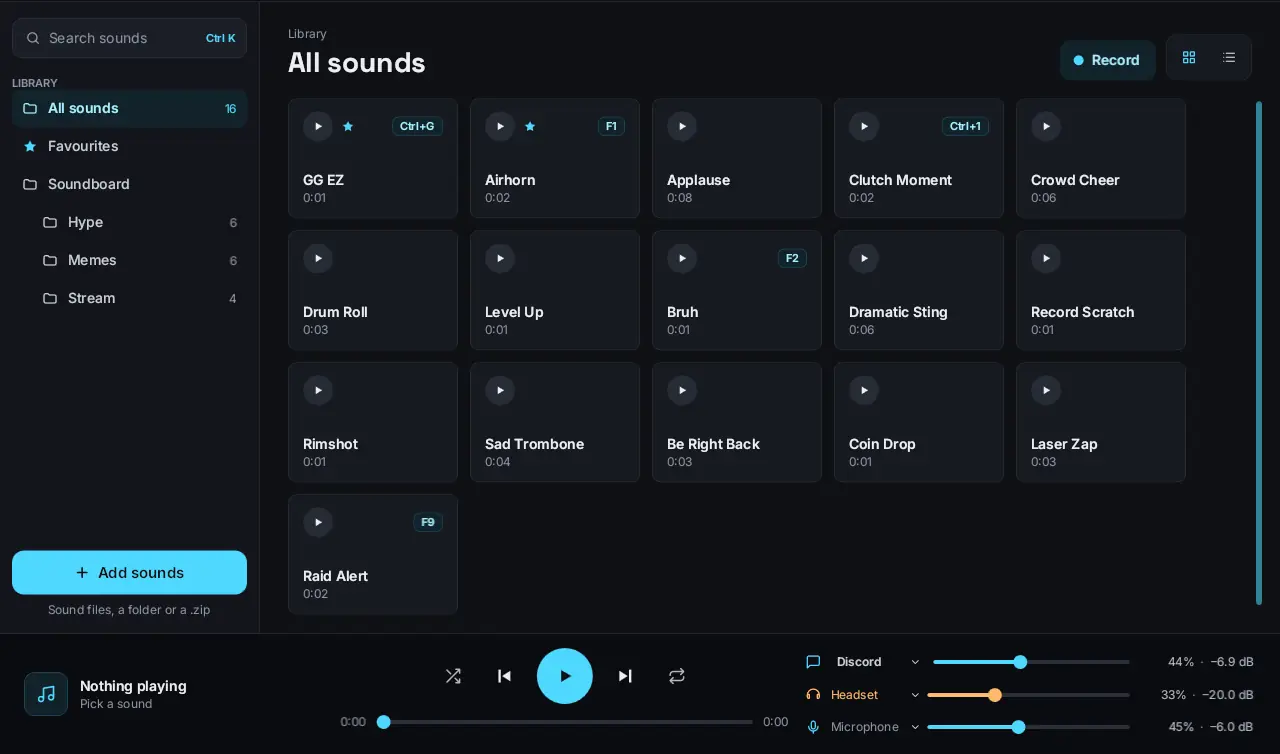
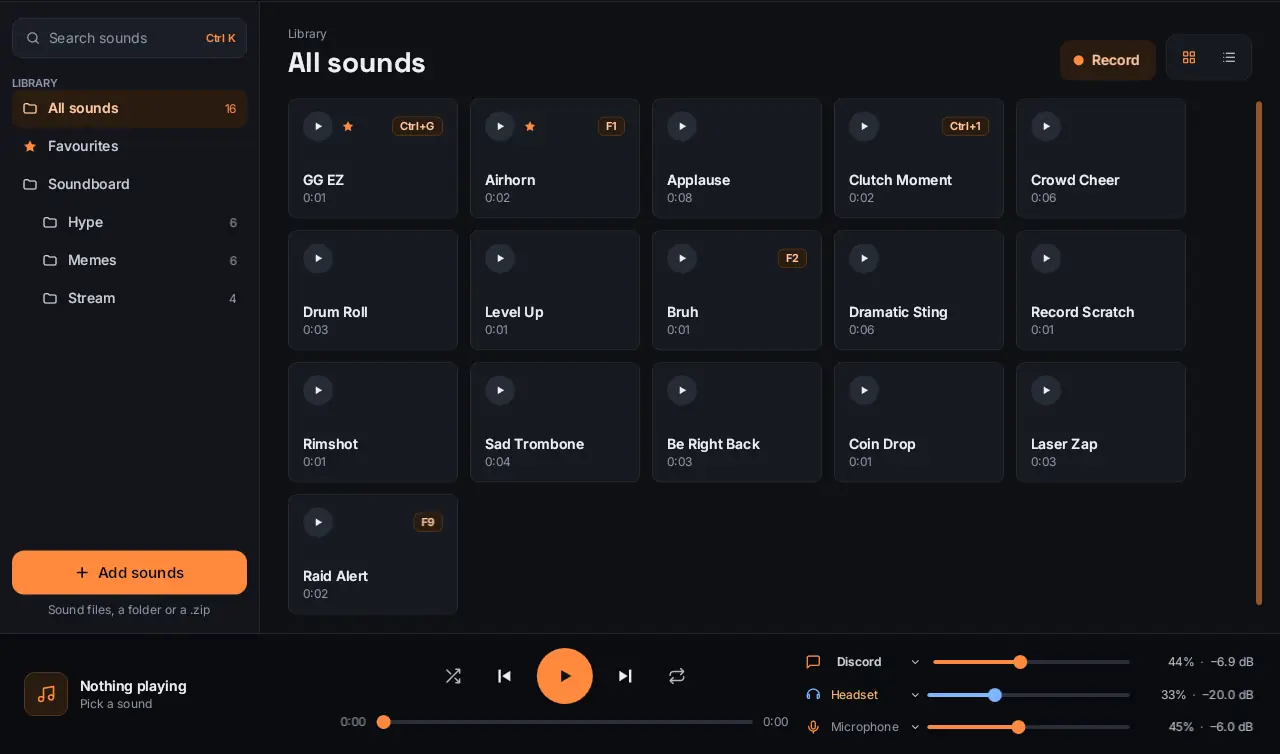
NoiseBolt's library: 16 sound pads with hotkey badges, folders on the left and the player bar with Discord, Headset and Microphone volumes

The real app, recoloured live. Pick a preset:

Set up in three steps

1

Install NoiseBolt

The first-run set-up checks for VB-Cable, the free virtual cable it plays through, and takes you to it if it's missing.

2

Leave your chat app on Default

While NoiseBolt runs, it makes itself Windows' default mic. Discord, TeamSpeak and your games pick it up with no settings to change.

3

Drop in sounds and press a key

Drag in files, whole folders or a zip. Subfolders become categories, and any sound can have its own hotkey.

NoiseBolt in under a minute

Set-up, loudness, mic cleaning, hotkeys and the new in-game overlay.

57 seconds. Sound on; captions are built in.

What it does

Six things your voice chat will notice.

Separate volume for each appPro

Send sounds to Discord, OBS and your game at once, each with its own volume and a one-click mute. The lobby hears the airhorn while your stream stays clean.

Your mic, cleaned before it's sent

Noise removal, a smart gate and a compressor run on your voice inside NoiseBolt. Fan hum and keyboard clatter stay on your side of the headset.

Every clip at the same loudness

NoiseBolt measures each sound once and brings it to −20 dB. A blown-out airhorn comes down, a quiet clip comes up, and you can still nudge any sound by hand.

Trim to the good bitPro

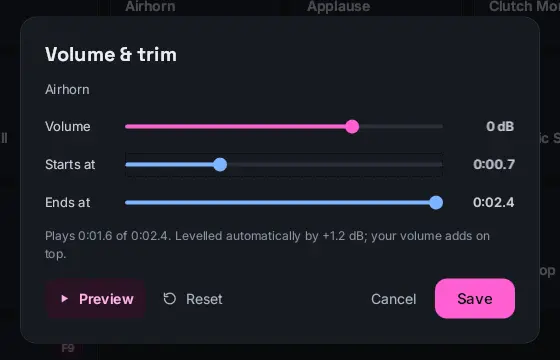
Set where each sound starts and ends, preview it and save it. Stopping a sound fades it out over 80 ms, so it never clicks.

The Volume and trim window with volume, start and end sliders, Preview and Save

Hotkeys, Stream Deck and Touch Portal

Global hotkeys work in any game, free. With Pro, every sound and player control gets a Stream Deck or Touch Portal button.

In-game overlay, in any corner

Press Ctrl+Alt+O and a small card appears over your game: what's playing and your hotkey sounds. Clicks pass straight through it, so it never gets in the way. Pick the corner it sits in.

Quit mid-match and Windows gets your real mic and speakers back within seconds.

By the numbers

80ms

fade on every stop

−20dB

loudness every clip is levelled to

+30dB

mic boost for quiet headsets

16

colour presets, 4 in Free

10

quick hotkey slots, plus a hotkey on any sound

8

audio formats: MP3, WAV, FLAC, OGG, M4A, AAC, WMA, AIFF

Free to use. Pro is a small monthly plan.

Free has no time limit and no sound limit. Pro adds the streamer tools. Pay monthly, or yearly to save over 40%, and cancel any time.

Free

For playing sounds in voice chat.

$0
  • Unlimited sounds and folders
  • Global hotkeys
  • Mic cleaning and loudness levelling
  • Recording and link downloads
  • One output, such as Discord
  • Four colour presets
Download free for Windows

Pro

For streamers and Stream Deck users sending sound to several places at once.

$3.49a month
  • Everything in Free
  • Unlimited outputs, each with its own volume
  • Stream Deck and Touch Portal
  • Volume and trim for each sound
  • All 16 colour presets
  • Settings backup and restore
Pro goes on sale soon

Prices include VAT or sales tax where it applies. Pro is bought on noisebolt.com with a NoiseBolt account and unlocks in the app when you sign in. Under 18? Ask a parent to buy it for your account.

Questions

Is NoiseBolt free?

Yes. Free has no time limit and covers unlimited sounds, global hotkeys, mic cleaning and loudness levelling. Pro is a small monthly subscription for streamer tools.

Is Pro a subscription?

Yes, monthly or yearly. Cancel any time from your account and Pro keeps working until the end of the time you've paid for.

Does it work with Discord?

Yes, and with TeamSpeak, Zoom, games and streaming software. Your chat app uses NoiseBolt as its microphone, and NoiseBolt mixes your voice with your sounds.

Do I need to install anything else?

NoiseBolt plays through VB-Cable, a free virtual audio cable for Windows. The first-run set-up checks for it and takes you to it if it's missing.

Will I be left muted after closing it?

No. NoiseBolt switches Windows' default mic and speakers while it runs and puts your real devices back when it closes, even after a crash.

Does it work with Stream Deck or Touch Portal?

Yes, with Pro. Both plugins are built in: open Settings, then General, and install the one you use.

Is there a Mac or Linux version?

Not yet. NoiseBolt runs on Windows 10 and Windows 11, 64-bit.

Which sound files can I use?

MP3, WAV, FLAC, OGG, M4A, AAC, WMA and AIFF. Drop in single files, whole folders or a zip, and subfolders become categories.